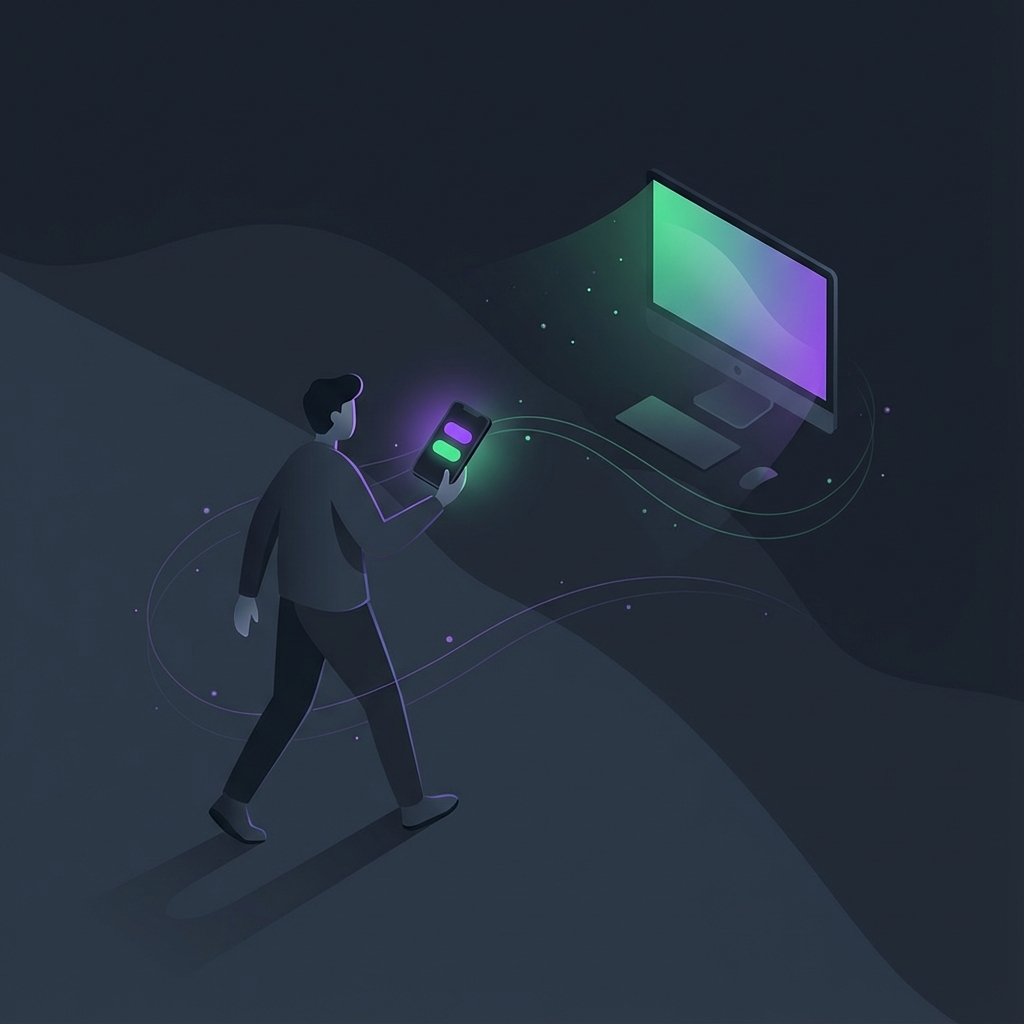
TL;DR: I built a Go utility that runs in your system tray and serves a two-button interface to your phone. One button toggles Wispr Flow dictation, the other hits Enter. No cloud, no accounts, just local network magic. Built it in 4 hours because I got tired of walking back to my keyboard mid-thought.
I was pacing around my office last week, having a back-and-forth conversation with Claude Code. The AI was speaking to me through Piper TTS. I was dictating responses through Wispr Flow. It felt like an actual conversation for the first time.
Then I had to walk back to my computer to hit Enter.
And again. And again. Every single response, I’d dictate my thoughts while walking, stop, return to the keyboard, press one key, then try to pick up where I left off mentally.
That’s not a conversation. That’s a conversation with interruptions.
The Problem with Voice-First AI
Here’s the thing about voice interaction with AI: when it works, it changes everything. You speak naturally. You give more context because you’re not self-editing every sentence before typing it. The AI responds, you respond back. It flows.
But the tooling assumes you’re sitting at your desk. Wispr Flow is brilliant at turning speech into text in any application. Claude Code can speak responses through text-to-speech. Put them together and you’ve got genuine voice conversation with AI.
Except for that Enter key.

Why Would You Need a Cloud Service for This?
I spent about three hours building whisper-remote. Actually, probably closer to four by the time I’d polished it.
The concept is simple: run a tiny HTTP server on your PC that can simulate keypresses. Serve a mobile-friendly webpage with two buttons. Generate a QR code so your phone connects instantly.
Why Go? Because I could package it into a single executable. No dependencies. No installation. Just download and run.
Why local network only? Because why would you need to complicate it? You’re coding locally. Your phone is on the same WiFi. There’s no reason to involve a cloud service for pressing Enter on your own computer.
The whole thing runs in your system tray. Start it up, scan the QR code with your phone, and you’ve got a remote control for voice dictation.
Two Buttons, That’s It
The interface couldn’t be simpler:
- Whisper - toggles Wispr Flow on and off (sends Ctrl+Win+Space by default)
- Send - hits Enter to submit your message
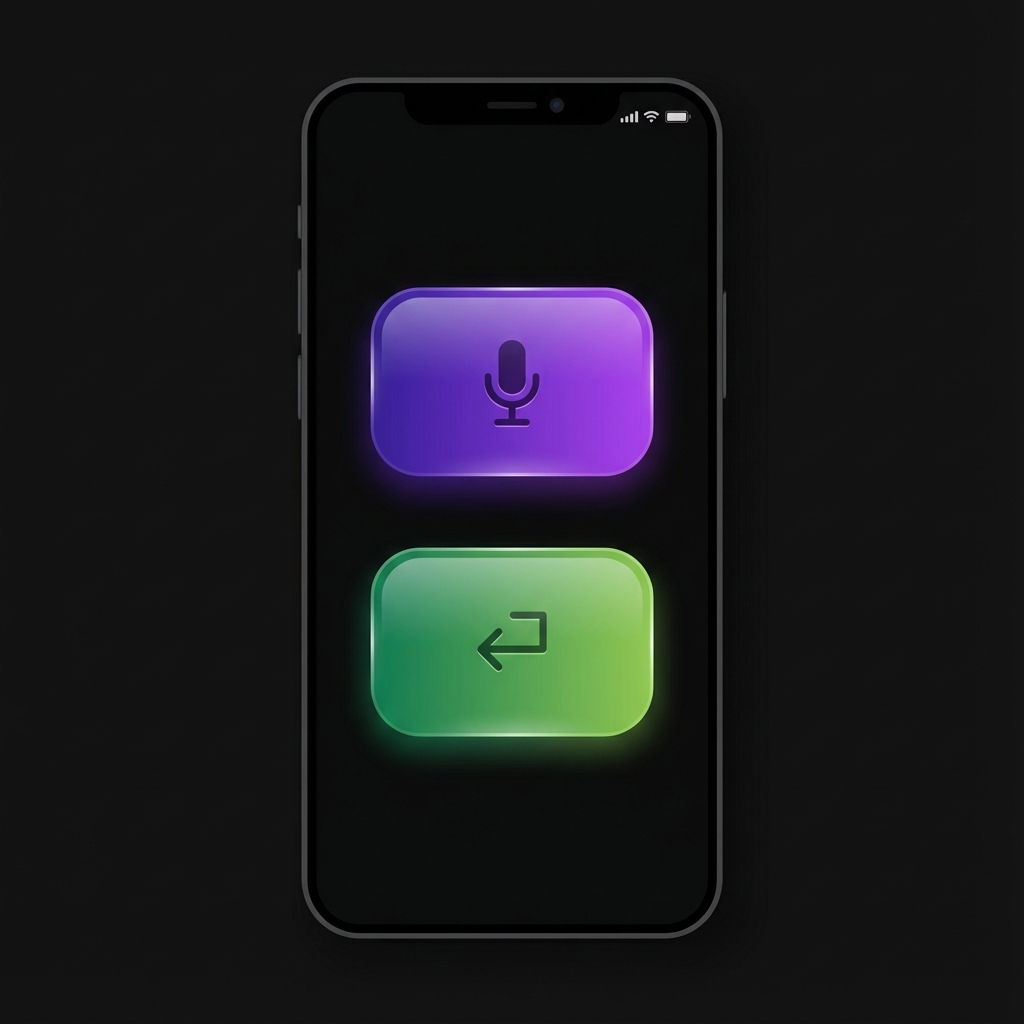
That’s the whole product. I’m nowhere near my computer right now, dictating this very paragraph. When I’m done thinking, I’ll tap Send and move on to the next response.
The flow stays unbroken.
Speaking Changes How You Think
After a few days of using this, I’ve noticed something: when you speak to AI instead of typing, you think differently.
When you type, you edit. You backspace. You rewrite the sentence before you’ve finished it. You optimise for brevity because typing is slow.
When you speak, you just… speak. The thoughts come out as they form. You give more context because it’s effortless. You explain the “why” because you’re not counting keystrokes.
The AI gets richer input. Better context means better responses.
And when the AI speaks back instead of displaying text, something shifts. You feel like you’re talking to a person, not a robot. When it feels like a robot, you become robotic yourself. You start thinking about what to say rather than just saying it.
The medium shapes the message.
Built for Me, Available for Everyone
I fully expect Wispr Flow or similar tools to build this functionality in natively. It’s an obvious feature. Until that day, this fills the gap.
I built whisper-remote because I needed it. I’m open-sourcing it because why not? If it’s useful to me, it might be useful to developers doing AI brainstorming, to people working through complex problems out loud, to anyone who wants to pace while they think.
No expectations. No roadmap. Just a tool that works.
Try it to see what I mean. Have a natural conversation with AI.
GitHub: whisper-remote